Book a Walkthrough Get Started

Our Approach

Stock control
designed around
small retail teams.

Stockline was built by paying attention to how independent shops actually manage stock — usually a mix of instinct, paper counts and whatever a POS system happens to track. Our approach fills the gaps without adding extra work.

01

Start with the barcode already on the box

Most products arrive already barcoded. Rather than requiring new labels or dedicated scanning hardware, Stockline reads existing barcodes through a smartphone camera, so receiving stock and running counts take minutes rather than a full afternoon.

02

Alerts that match your actual thresholds

A café doesn't run out of stock the same way a hardware store does. Low-stock alerts are configured per product or category, so a fast-moving line and a slow seasonal item can trigger notifications at different points, tailored to how each one sells.

03

Reordering that respects supplier relationships

Reorder templates are built around the suppliers you already deal with — their product codes, pack sizes, minimum order quantities and preferred format. Generating a purchase order becomes a matter of confirming quantities, not rebuilding a document from scratch.

04

Stock-takes that fit around trading hours

Full counts and cycle counts can be scheduled in advance and split across staff and sections. Variance reports highlight discrepancies afterward, so the process produces useful information rather than just a tally.

05

Reporting that explains, not just displays

Sales velocity reports are grouped by product category and location, showing which lines are earning their shelf space over a given period. The intent is to support decisions about what to stock more of and what to wind back, not to overwhelm with raw data.

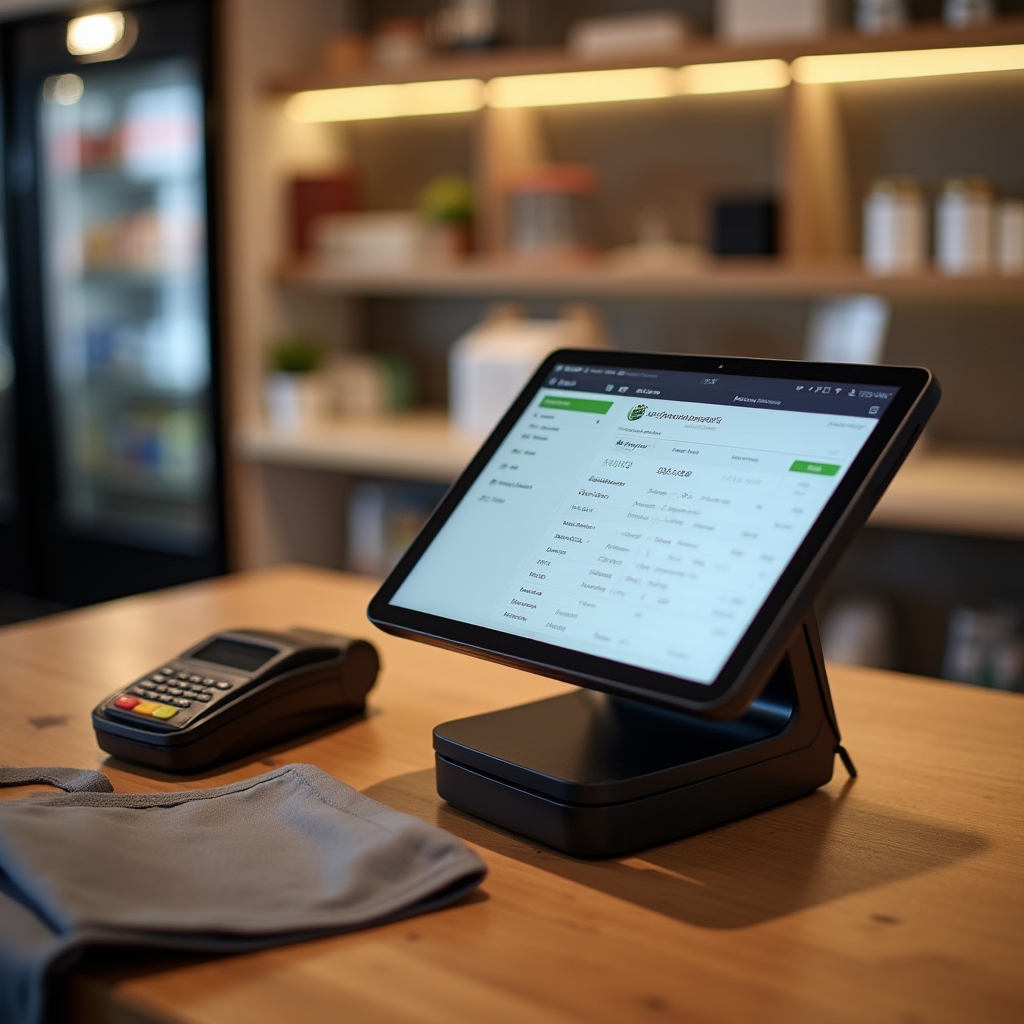
Point-of-sale counter setup in a small Australian retail store connected to inventory software

Integration philosophy

Working with your POS, not replacing it

Independent retailers have usually already invested time and money into a point-of-sale system that handles transactions well. Stockline doesn't ask you to abandon that. Instead, it connects to popular Australian POS platforms and pulls sales data through to keep stock counts accurate.

Setup process

Configuration before go-live

Before switching on, we map your product categories, set initial low-stock thresholds, and connect your POS feed. This groundwork means the system reflects your actual stock position from day one rather than starting from a blank slate.

Staff training

Kept simple for rostered staff

Barcode scanning and stock-take entry are designed to be usable by casual or part-time staff with minimal instruction. The interface avoids unnecessary steps so training takes an afternoon, not a week.

Ongoing support

Adjustments as your business changes

Thresholds, categories and reorder templates can be revisited as your product range or supplier list shifts. The system is meant to move with your business rather than lock in assumptions from setup day.

Scope

What Stockline does, and what it deliberately doesn't.

Included

  • Smartphone barcode scanning for receiving and counts
  • Low-stock alerts by product and category
  • Supplier reorder templates and purchase order generation
  • Stock-take scheduling across up to five locations
  • Sales velocity reporting by category and location
  • Integration with popular Australian POS systems

Not included

  • Payment processing or card acceptance
  • Lending, credit lines or financing products
  • Point-of-sale transaction handling
  • Accounting or payroll functionality

See the approach in your own store.

A walkthrough takes about thirty minutes and covers your POS integration, category setup and first reorder template.

Book a Walkthrough